\n\n\n\n Automation - ClawGo

Automation

Openclaw Small Team Featured
Automation

Running OpenClaw for a Small Team: Lessons from 6 Months

Six months ago, our five-person team started using OpenClaw. I was the only one who was excited about it. Everyone else was somewhere between skeptical and annoyed that I was adding another tool to their already crowded toolkit.

Today, all five of us use it daily, and the junior developer recently told me it’s “the only

12 Skills Worth Installing Featured
Automation

12 OpenClaw Skills Worth Installing (And 5 To Skip)

I’ve installed 47 OpenClaw skills over the past eight months. I actively use 12 of them. The other 35 range from “occasionally useful” to “what was I thinking?” Here’s what’s actually worth installing — and what sounds cool but wastes your time.

The 12 Worth Installing

1. GitHub integration. This is the first skill I install

Openclaw Notion Integration Ai Featured
Automation

OpenClaw + Notion Integration: My Second Brain Setup

I keep everything in Notion. Meeting notes, project trackers, reading lists, client databases, random ideas at 2 AM — it all goes into Notion. The problem was that Notion is great for storing information but terrible at doing anything with it. It just sits there, beautifully organized but fundamentally passive.

Then I connected it to OpenClaw,

Openclaw Faq Ai Featured
Automation

OpenClaw FAQ: 15 Questions I Get Asked Every Week

After running OpenClaw for eight months, I’ve noticed the same questions coming up over and over — from colleagues, Discord communities, and people who email me after reading my other posts. Rather than answering them one at a time, I’m dumping everything here.

These are real questions from real people, with answers based on actual experience

Automated Client Onboarding Featured
Automation

How I Automated My Freelance Client Onboarding with OpenClaw

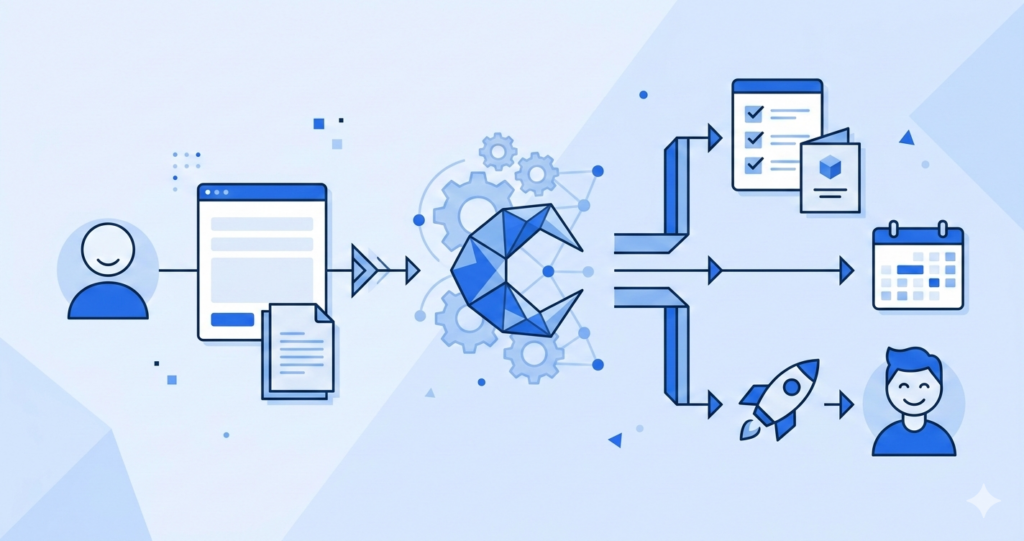
Last month I onboarded four new freelance clients in one week. Two years ago, that same week would have destroyed me. Each client means a welcome email, a questionnaire, a contract, a project brief, calendar scheduling, folder setup, and a kickoff call agenda. Multiply that by four and you’ve got a full-time job that isn’t

Openclaw Cron Jobs Guide Ai Featured
Automation

Setting Up OpenClaw Cron Jobs: Automate Your Daily Routine

Every morning at 7:15 AM, before I’m fully awake, my OpenClaw instance has already pulled overnight server metrics, summarized any alerts, and posted a status update to our team Slack channel. Every Tuesday at noon, it generates a weekly engagement report from our analytics database. Every first of the month, it backs up configuration files

7 Openclaw Mistakes Featured
Automation

7 OpenClaw Mistakes That Cost Me Time and Money

When I first set up OpenClaw, I made every mistake possible. I’m not exaggerating — I spent three weeks on a setup that should’ve taken three days, burned through $400 on tools I didn’t need, and once took down my production server by running an agent update on a Friday afternoon. At 4:57 PM. On

Most People Dont Need Agent Featured
Automation

Hot Take: Most People Don’t Need an AI Agent

I almost gave up on AI agents when I first tried setting one up. You know that feeling when you spend hours configuring something only to realize you’ve just created a digital paperweight? Yeah, that was me. I had this grand vision of an AI that would handle my email, schedule my meetings, and generally

Scroll to Top