\n\n\n\n Alex Chen - ClawGo - Page 117 of 118

Author name: Alex Chen

Alex Chen is a senior software engineer with 8 years of experience building AI-powered applications. He has worked at startups and enterprise companies, shipping production systems using LangChain, OpenAI API, and various vector databases. He writes about practical AI development, tool comparisons, and lessons learned the hard way.

Openclaw Grafana Dashboard Featured
Automation

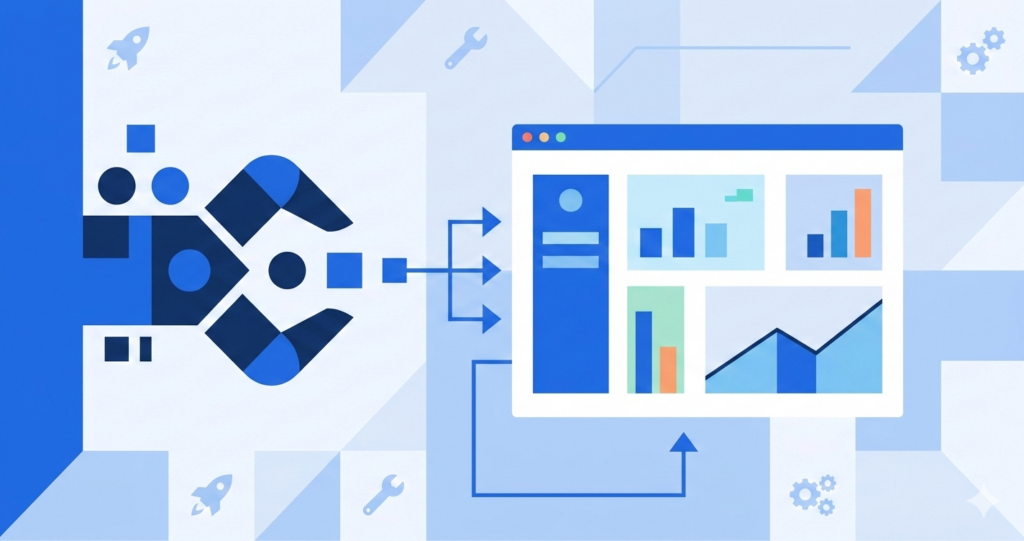
Building a Custom OpenClaw Dashboard with Grafana

For the first three months of running OpenClaw, my monitoring strategy was: check the terminal every few hours and hope nothing was on fire. Spoiler: things were occasionally on fire, and I didn’t know until someone told me.

Then I set up a Grafana dashboard, and it was like putting on glasses for the first time.

Featured image for Clawgo Net article
Comparisons

Best Workflow Automation Tools For Ai

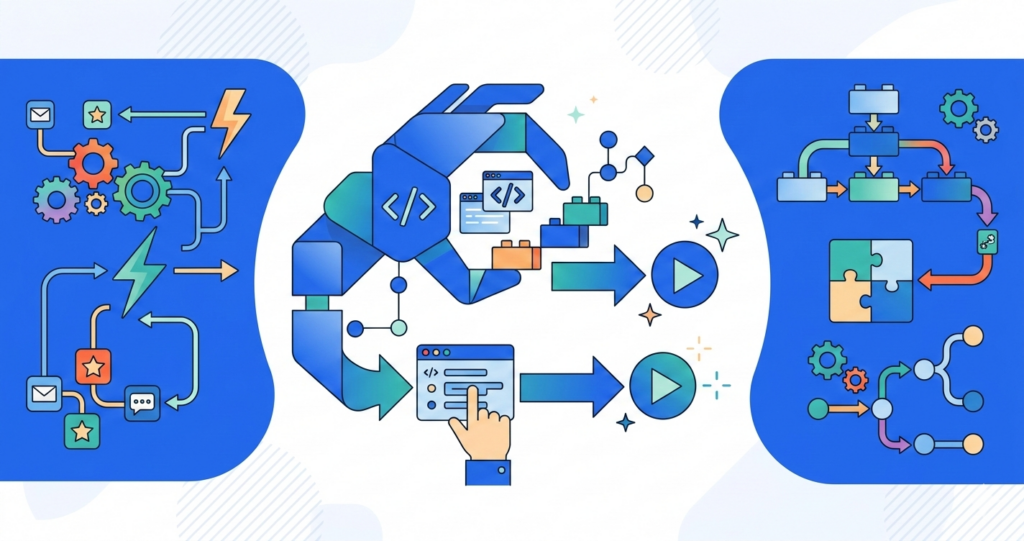
I tried seven different workflow automation tools before finding what works. Zapier, Make (formerly Integromat), n8n, Activepieces, Pipedream, Microsoft Power Automate, and finally OpenClaw. Each solved some problems and created others. Here’s what I learned about the landscape.

The Automation Tool Spectrum

Workflow automation tools fall on a spectrum from “no-code visual builder” to “code-first framework.”

Featured image for Clawgo Net article
Comparisons

Best Ci/Cd Practices For Ai Development

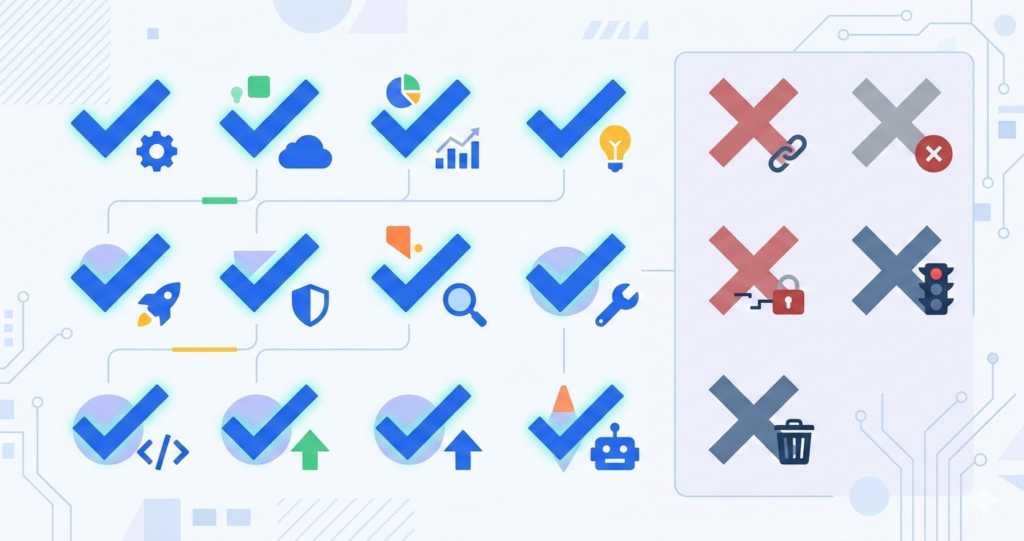
The best CI/CD practices for AI development extend traditional CI/CD with AI-specific testing, monitoring, and deployment strategies. Here’s the consolidated list of practices that matter most.

The Essential Practices

1. Version prompts alongside code. Every prompt change gets a commit, a review, and an automated test. Prompts are as critical as code — treat them accordingly.

2.

Openclaw Vs Zapier Vs Make Featured
Comparisons

OpenClaw vs Zapier vs Make: When to Use What

Last week, someone in our Discord asked: “Should I use OpenClaw, Zapier, or Make for my workflow?” My answer was all three, for different things. The question isn’t which one is best — it’s which one is right for each type of automation.

I’ve used all three extensively, and the choice is much simpler than people

Agent Hype Cycle 2026 Featured
Automation

The Agent Hype Cycle: Where We Actually Are in 2026

We’re currently in the “trough of disillusionment” phase of the AI agent hype cycle, and I think that’s actually great news.

A year ago, every AI company was pitching fully autonomous agents that would replace entire departments. “Set a goal and walk away — the agent handles everything.” Demo videos showed agents seamlessly navigating complex workflows,

Openclaw Security Hardening Ai Featured
Automation

OpenClaw Security Hardening: 10 Things to Do Before Going Live

I gave my OpenClaw agent access to my production database on day one. Full read-write access. No restrictions. Because I was in a hurry and “I’ll lock it down later.”

Three weeks later, an improperly formatted prompt caused the agent to run an UPDATE query without a WHERE clause. On production. On a Friday.

I got lucky

Openclaw Small Team Featured
Automation

Running OpenClaw for a Small Team: Lessons from 6 Months

Six months ago, our five-person team started using OpenClaw. I was the only one who was excited about it. Everyone else was somewhere between skeptical and annoyed that I was adding another tool to their already crowded toolkit.

Today, all five of us use it daily, and the junior developer recently told me it’s “the only

12 Skills Worth Installing Featured
Automation

12 OpenClaw Skills Worth Installing (And 5 To Skip)

I’ve installed 47 OpenClaw skills over the past eight months. I actively use 12 of them. The other 35 range from “occasionally useful” to “what was I thinking?” Here’s what’s actually worth installing — and what sounds cool but wastes your time.

The 12 Worth Installing

1. GitHub integration. This is the first skill I install

Openclaw Notion Integration Ai Featured
Automation

OpenClaw + Notion Integration: My Second Brain Setup

I keep everything in Notion. Meeting notes, project trackers, reading lists, client databases, random ideas at 2 AM — it all goes into Notion. The problem was that Notion is great for storing information but terrible at doing anything with it. It just sits there, beautifully organized but fundamentally passive.

Then I connected it to OpenClaw,

Scroll to Top